From your syllabus to a complete course.
Type the topic or upload your document: you get the presentation, the learner handbook, the trainer guide, the assessment and the SCORM package. Your data is stored in the EU and your content never trains models.
Free, no card needed. The complete course in a few minutes.
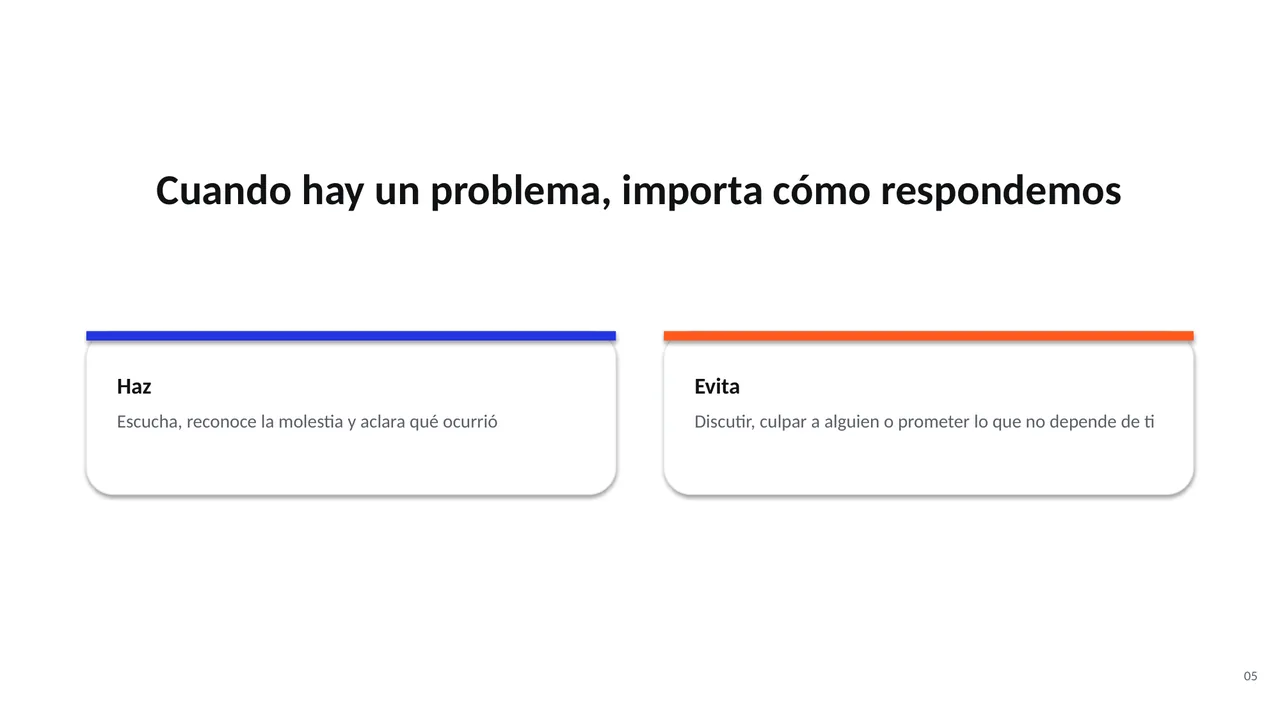
Speaker notes
Ante un producto defectuoso, puedes decir: «Entiendo que esto sea frustrante. ¿Me cuentas cuándo lo compraste?». Si necesitas comprobar las opciones, explica el siguiente paso y busca apoyo sin dejar sola a la persona.
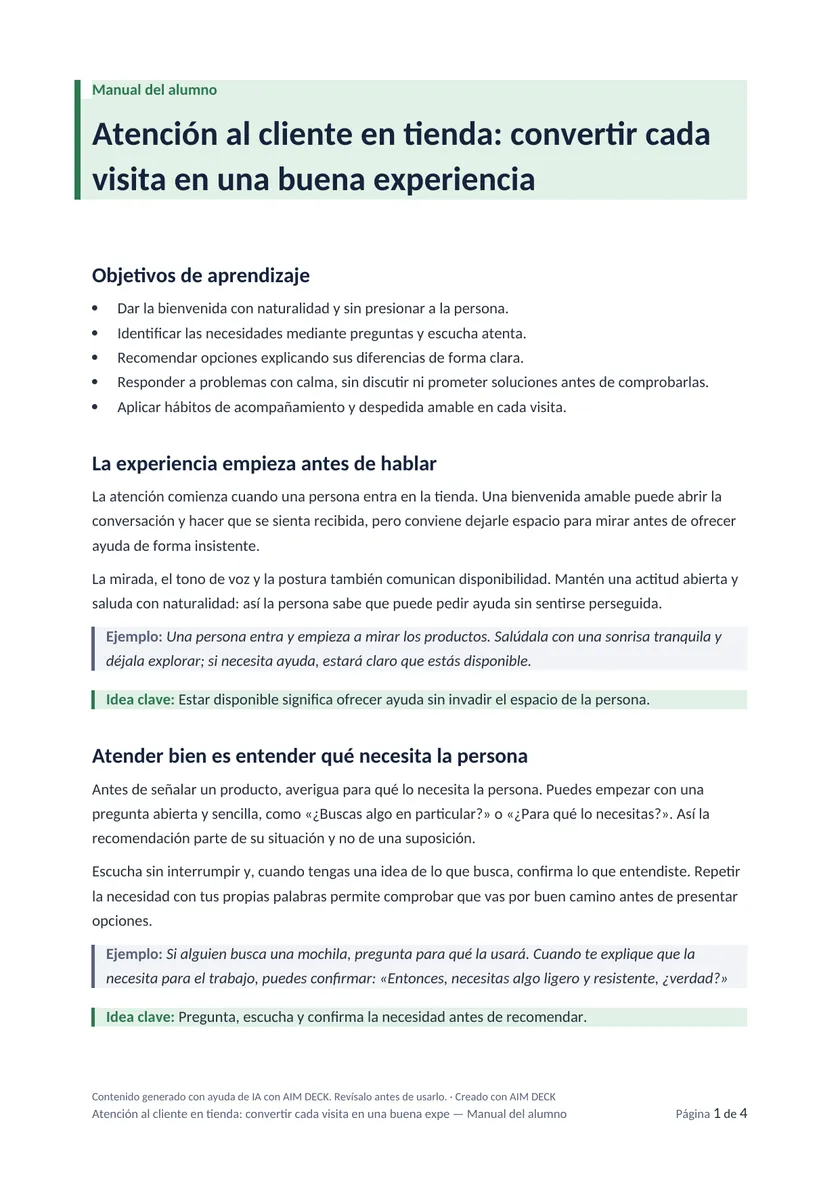
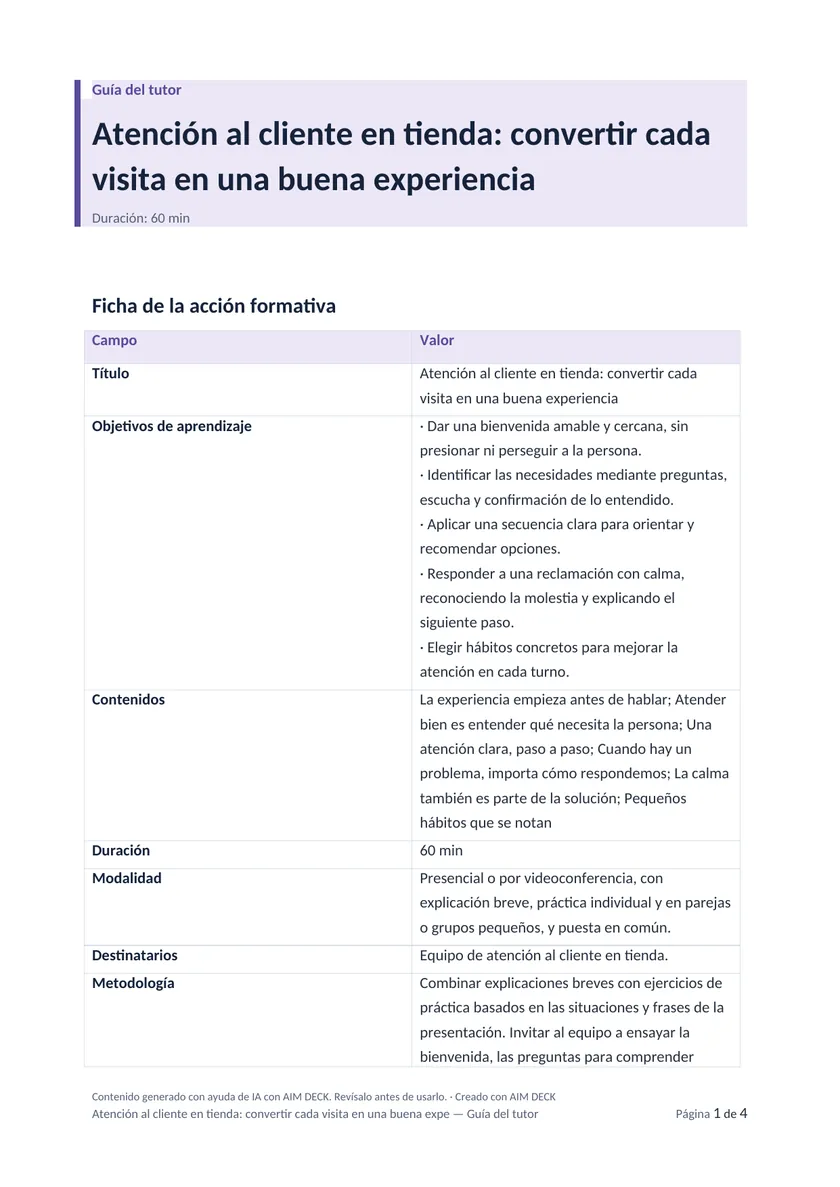
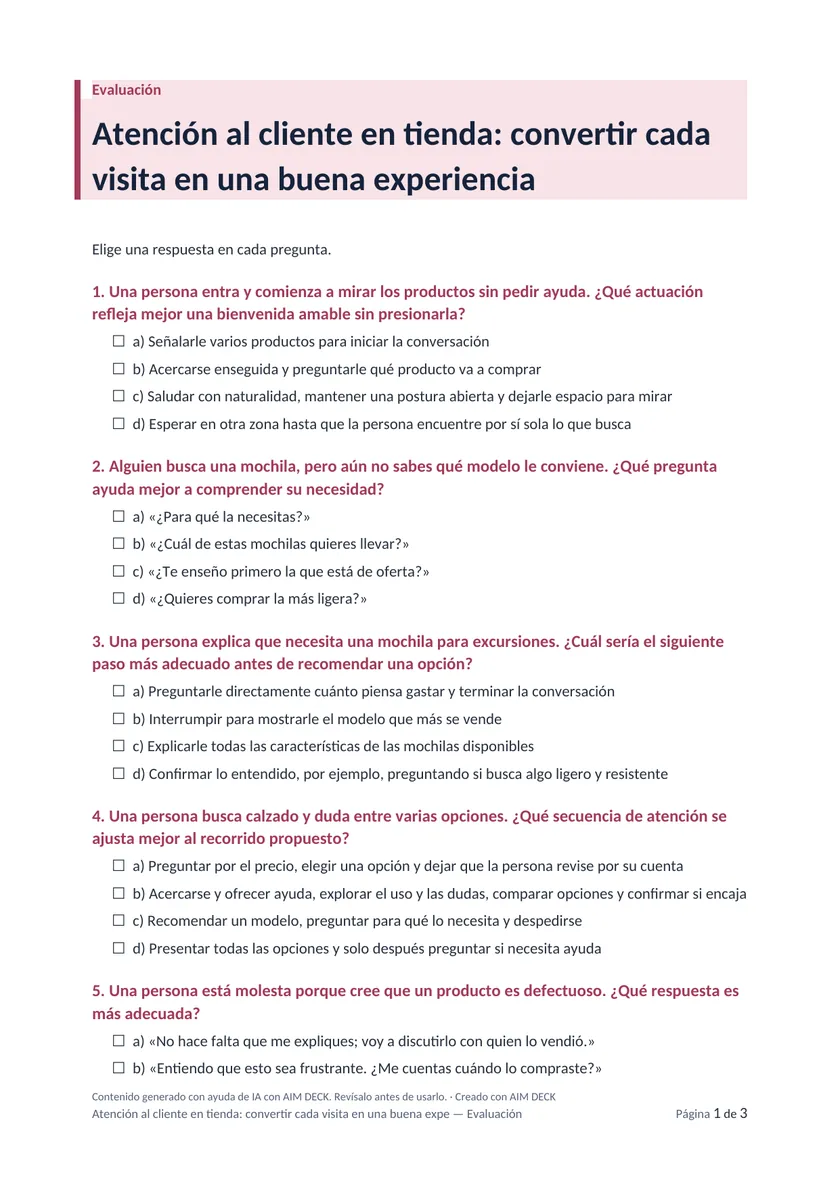
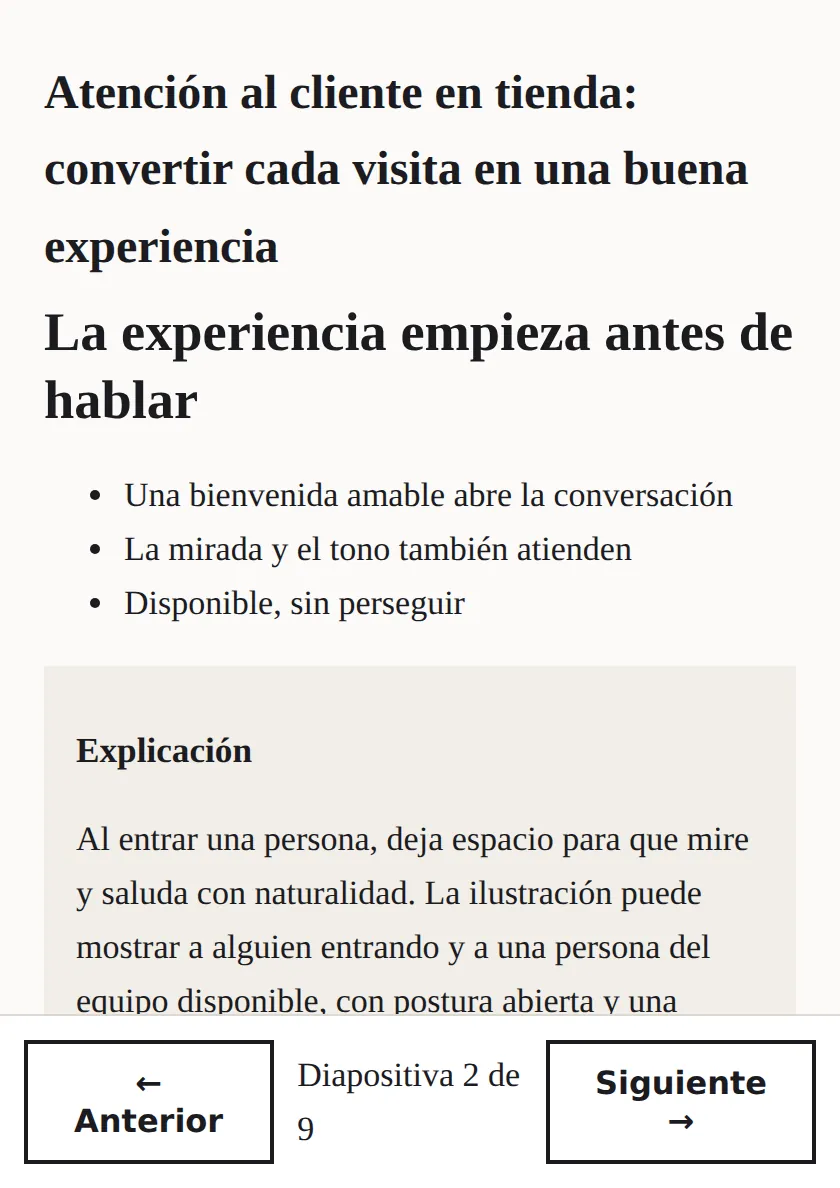
Real pages from a course generated with AIM DECK: “Customer service in the store” (sample in Spanish). Click each tab.
What exactly do you get?
- Presentation
- 100% editable PowerPoint, with speaker notes.
- Learner handbook
- Objectives, developed topics with examples, glossary and exercises.
- Trainer guide
- The training sheet and a session plan with timings, activities and questions.
- Assessment with answer key
- Questions about real situations, with the answer sheet.
- SCORM for your LMS
- SCORM 1.2, the standard accepted by Moodle and most platforms: it saves progress and reports the score.
How much time does it save?
Preparing one hour of classroom training takes 43 hours of work on average: the design, the session plan, the materials and the presentation.
With AIM DECK, the first complete draft of all of that takes minutes. Your time goes into reviewing it and adapting it to your group, not into starting from scratch.
Is it really good? Judge for yourself.
Download a complete course exactly as AIM DECK generates it, without signing up: the presentation, the learner handbook, the trainer guide, the assessment and the SCORM package.
322 KB ZIP file, in Spanish. Review it as you would a colleague's work: AI can make mistakes, and you know your group.
Why not just ask ChatGPT?
You can, and for a single idea it works. What you don't get out of the box is a course that fits together from start to finish.
| A chat assistant | AIM DECK | |
|---|---|---|
| Editable PowerPoint presentation | Yes | Yes, with your template and brand |
| Handbook, guide and assessment from the same content | One by one, and you fit them together | In a single step |
| The same answer key on paper and on the platform | You have to reconcile it | Always |
| SCORM that saves progress and reports the score | Not out of the box | Yes |
| Accessibility checked, with a report | Not out of the box | Yes, eleven checks |
Is it accessible and legal?
Someone using a screen reader hears every slide with its title and in its language, and someone with low vision reads with enough contrast: your course reaches the whole group.
We don't promise it. We check it.
Every tool promises it will look good. None proves it fits. Every presentation comes with a report that checks, on the file itself, that nothing overflows and seven EN 301 549 accessibility requirements that apply to documents, with the document fingerprint so anyone can verify it. It is an automated check: it does not replace a full audit.
- No text overflows its box
- Nothing falls outside the slide
- No slide is empty
- Standard slide size
- Every slide declares its title
- Text declares its language
- Images carry descriptions
- The document has a title
- It reads in the order it appears
- Text meets the minimum readable contrast
- Tables declare their header row
Your data is stored in the EU and your content never trains models. Everything the AI generates is marked as Article 50 of the European AI Act requires.
How much does it cost?
Genuinely free: the complete course, with no fees or lock-in. You only pay, per course, to remove the brand (9 €) or add AI images and a narration script (19 €); or for us to do it, from 490 €. Prices exclude VAT.
For reference, an authoring tool with SCORM costs between 1,399 and 1,749 dollars a year per person (Easygenerator and Articulate 360, public 2026 prices).
Frequently asked questions
Can I edit everything?
Yes. The presentation is a normal PowerPoint, and the handbook, guide and assessment are Word documents: change whatever you like with your usual software.
Does it work with my platform?
The package is SCORM 1.2, the standard accepted by Moodle and most platforms. It saves each learner's progress and reports their score; the pass mark is 70%.
What if the AI gets something wrong?
It can happen. That's why everything is editable, and you should review it as you would a colleague's work before delivering it. If you don't provide figures, the ones shown are examples and are marked as such.
Does it work for subsidised training?
AIM DECK doesn't process subsidies. The trainer guide includes the training sheet (objectives, contents, duration, delivery mode and assessment) so you can document it.
Start with the topic of your next course.
Free, no card needed. The complete course in a few minutes.